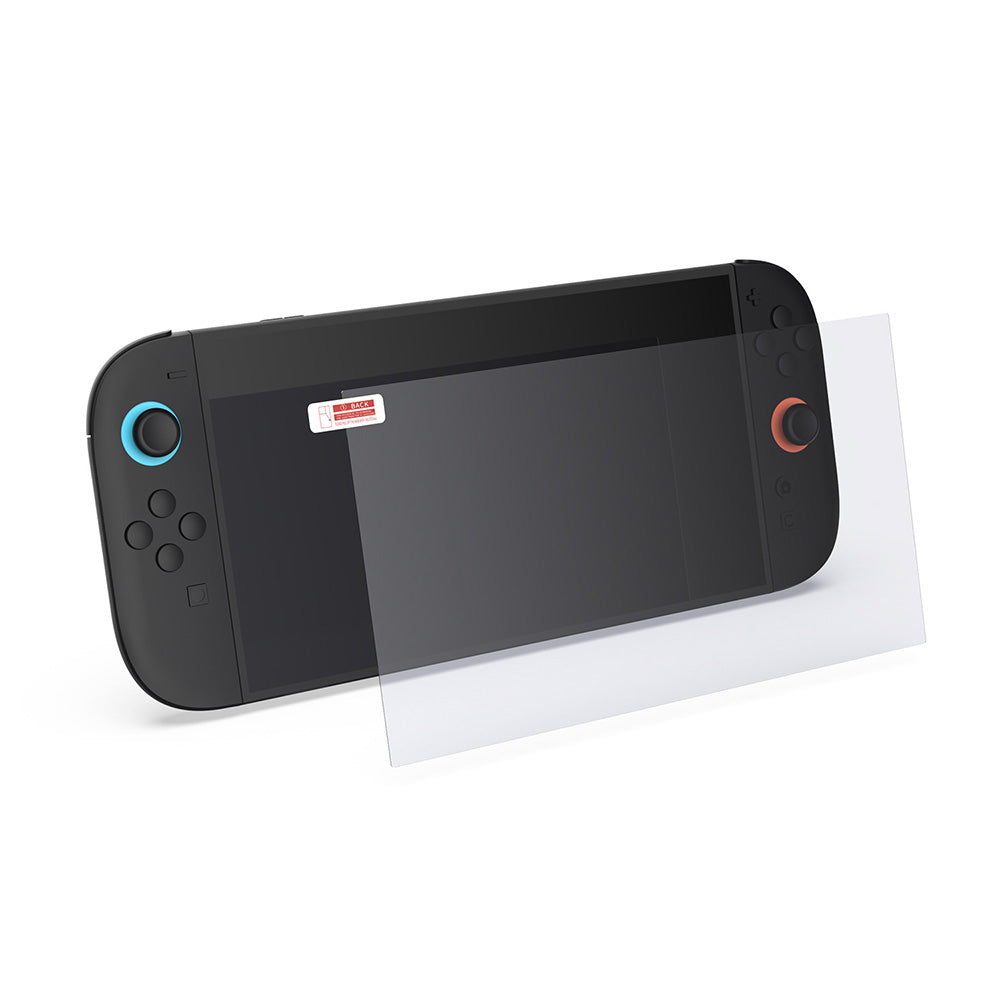
How to Install a Nintendo Switch 2 Screen Protector

If you have just picked up a new Nintendo Switch 2, applying a tempered glass screen protector early is one of the best ways to keep the screen in good condition.
A good screen protector helps reduce the risk of scratches from daily use, travel, docking, and cleaning. The key is not just having one, but installing it properly.
In this quick guide, we will show you how to apply a tempered glass screen protector on Nintendo Switch 2 cleanly and neatly.
What you need
Before you begin, prepare the following:
• Tempered glass screen protector
• Microfibre cloth
• Dust removal sticker
• Alcohol wipe or screen cleaning wipe
• A clean, well-lit workspace
Step 1: Clean the screen thoroughly
Start by wiping the Nintendo Switch 2 screen with the alcohol wipe to remove fingerprints, oil and residue.
Then use the microfibre cloth to dry and polish the screen until it looks completely clean.
This step matters more than most people think. Even a tiny piece of dust can create a visible bubble once the glass goes on.
Step 2: Remove any remaining dust
Use a dust removal sticker to lift away any final particles from the screen.
Check the screen under good lighting from different angles before applying the glass. If you still see lint or dust, remove it now rather than trying to fix it later.
Step 3: Align the screen protector carefully
Peel off the protective film from the tempered glass.
Hold the glass above the Nintendo Switch 2 screen and line it up slowly with the edges, speaker area and display shape. Try not to rush this part. Good alignment makes the final result look much cleaner and more professional.
Step 4: Apply the glass gently
Once aligned, lower the tempered glass onto the screen.
In most cases, the adhesive layer will begin bonding automatically from the centre outward. If needed, gently press the middle of the glass to help it settle evenly.
Step 5: Smooth out bubbles
If you see small bubbles, use a soft cloth to gently press them toward the edge.
If a bubble is caused by dust underneath, carefully lift the nearest corner, use the dust sticker to remove the particle, and then reapply the glass.
A clean environment and patient alignment usually make the biggest difference.
Extra tips for a cleaner install
• Wash and dry your hands before installation
• Avoid installing in a dusty room
• Do not press too hard on the glass
• Take your time with alignment before letting it stick
• Check for dust one final time before application
Final thoughts
Installing a tempered glass screen protector on Nintendo Switch 2 is a simple upgrade, but doing it properly helps you get the best clarity, fit and long-term protection.
If you are careful with cleaning and alignment, you can get a smooth, bubble-free finish in just a few minutes.
If you are looking for Nintendo Switch 2 accessories, screen protection, or setup tips, keep an eye on our latest guides and product updates.